

This documentation is provided for informational purposes only and demonstrates how to configure and use our API with third-party AI chat interfaces. Any third-party software, websites, or services mentioned are not operated, controlled, or endorsed by us.
Introduction to VS Code
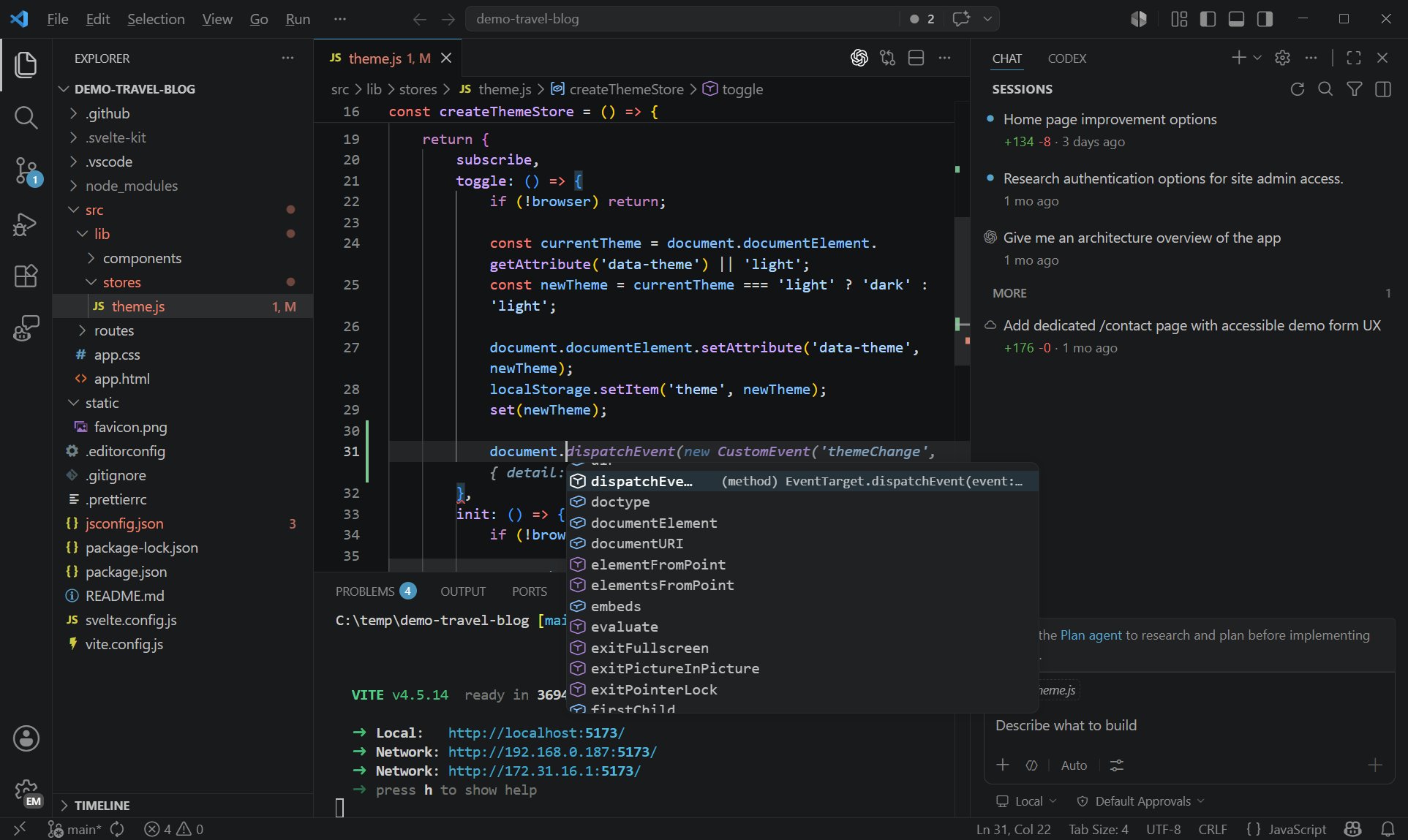
Code - OSS repository with Microsoft-specific customizations released under a traditional Microsoft product license.
Visual Studio Code combines the simplicity of a code editor with what developers need for their core edit-build-debug cycle. It provides comprehensive code editing, navigation, and understanding support along with lightweight debugging, a rich extensibility model, and lightweight integration with existing tools.
Step
1
Install VS Code
Visual Studio Code is updated monthly with new features and bug fixes. You can download it for Windows, macOS, and Linux on Visual Studio Code’s website. To get the latest releases every day, install the Insiders build.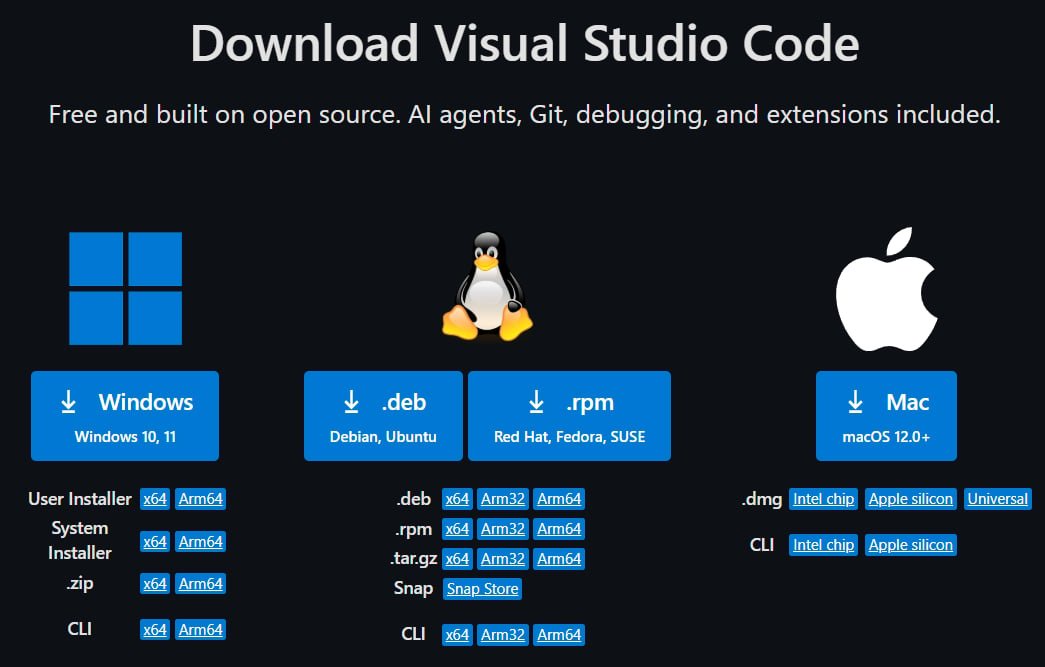
2
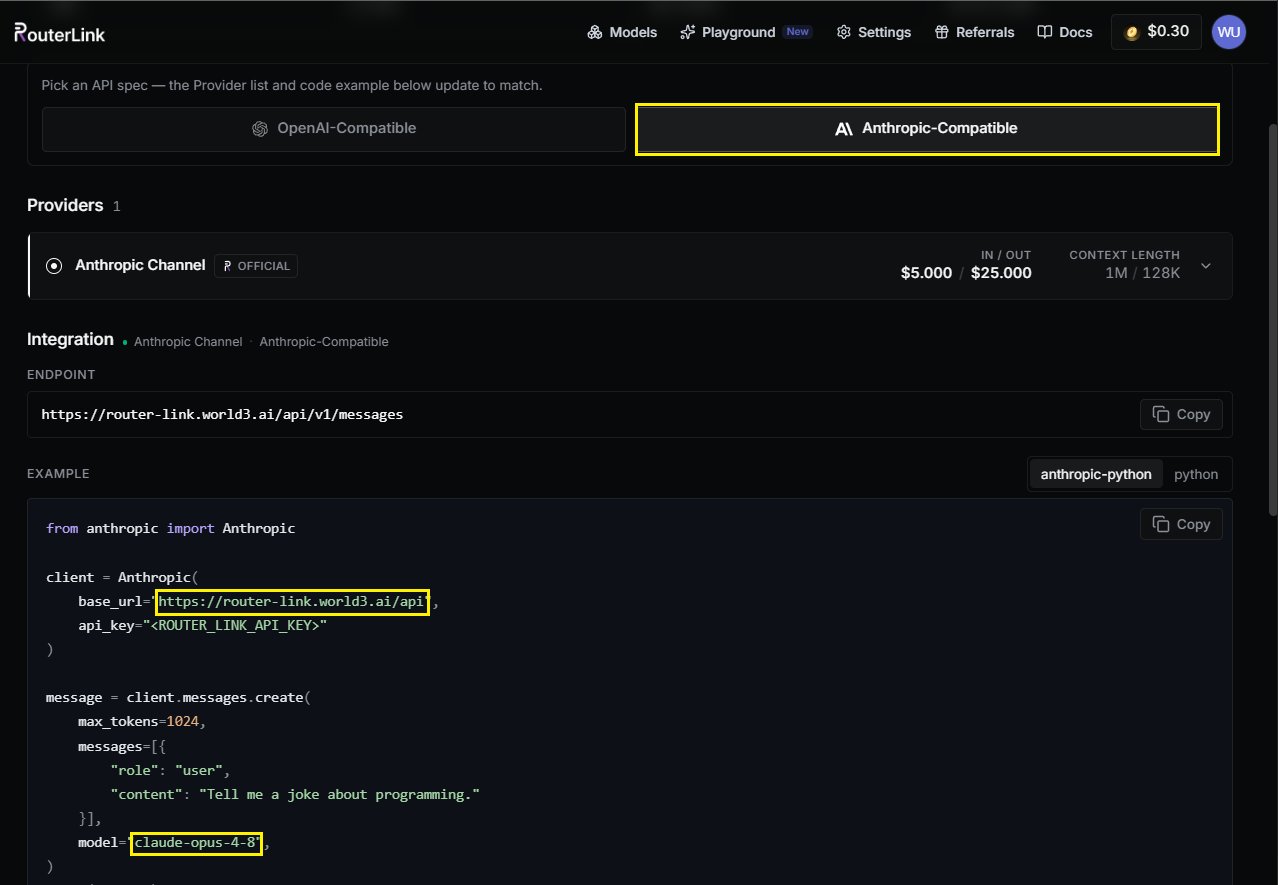
Model Configuration & API Key
Click the Toggle Chat button at the top (shortcut: 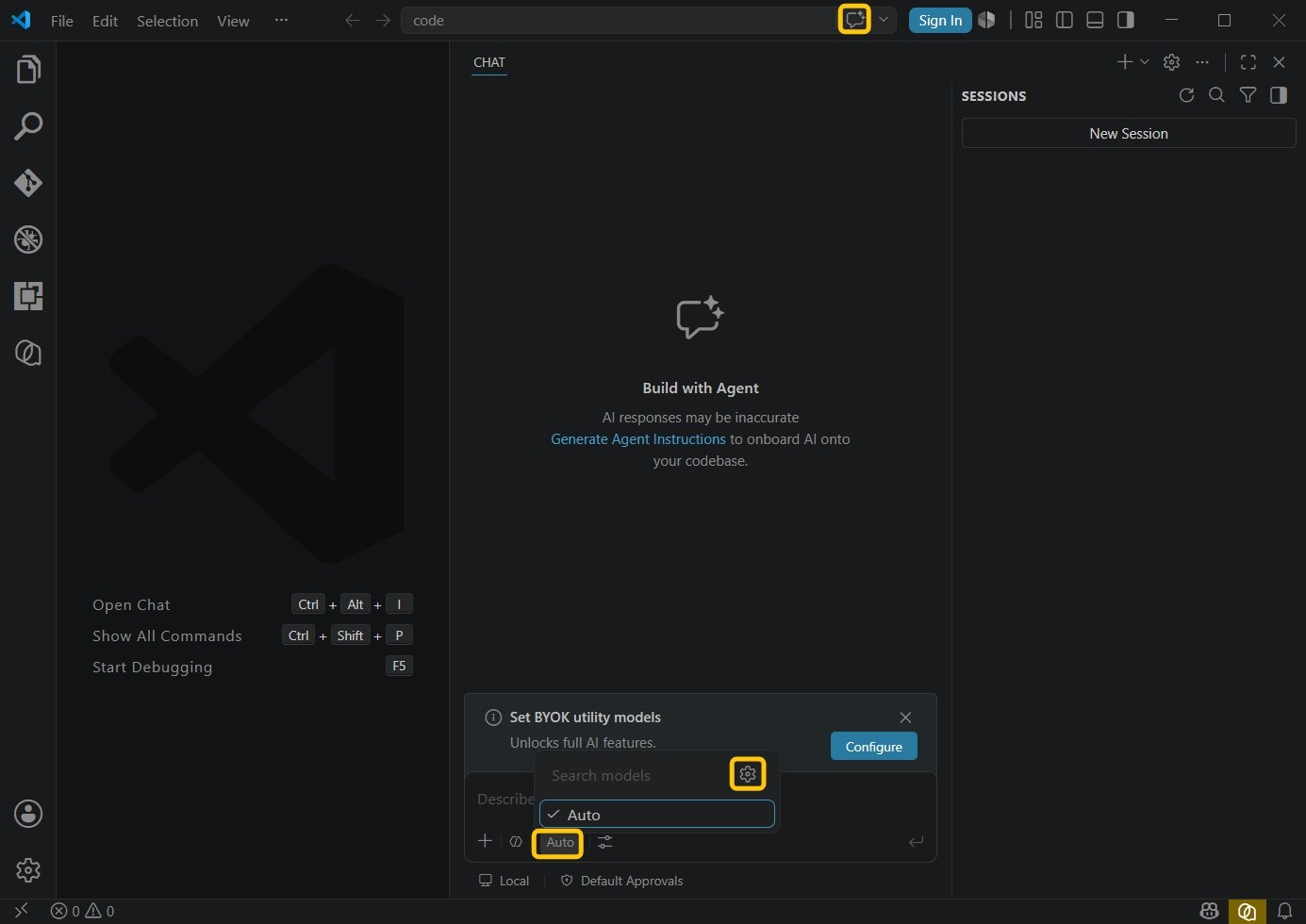
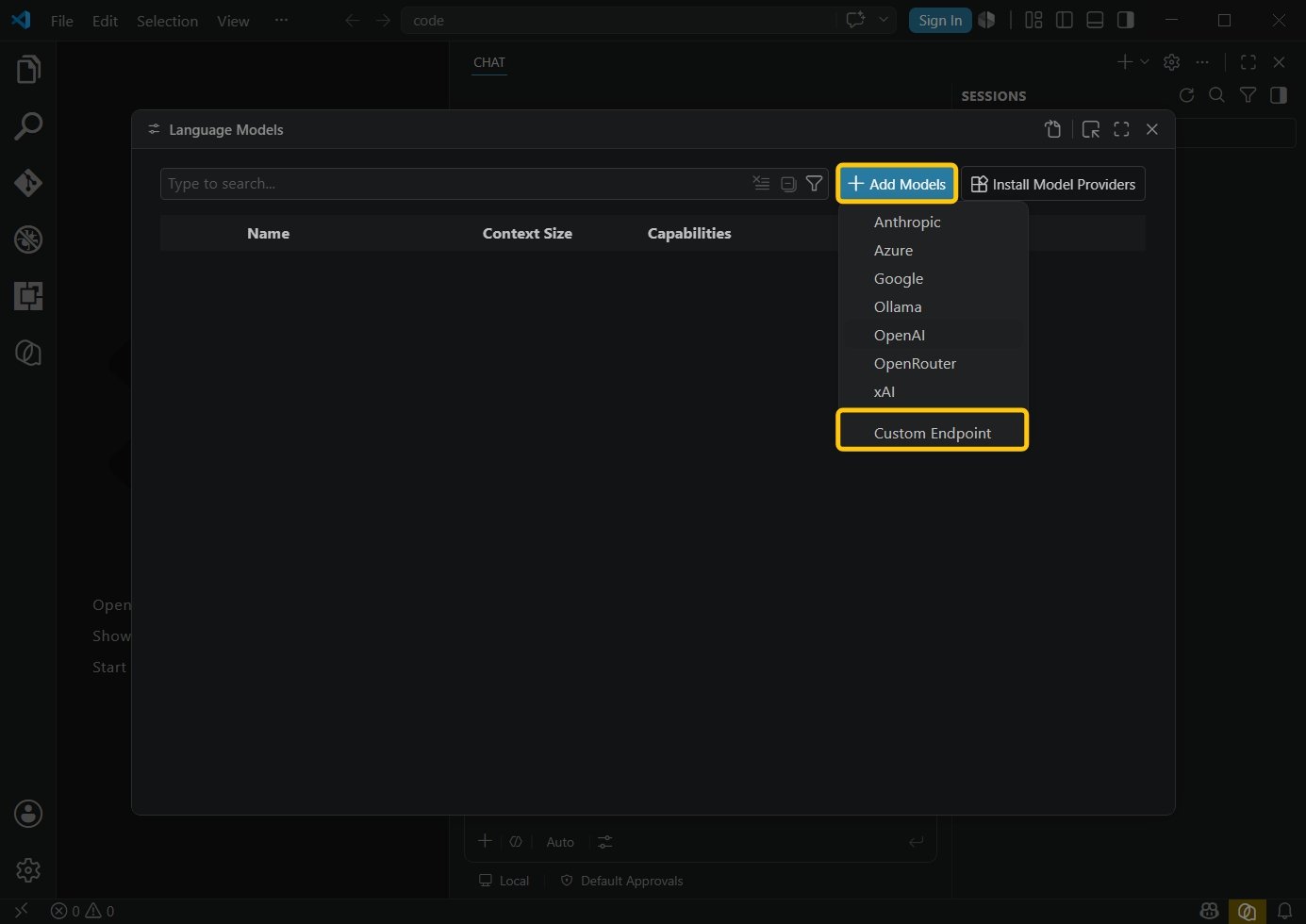
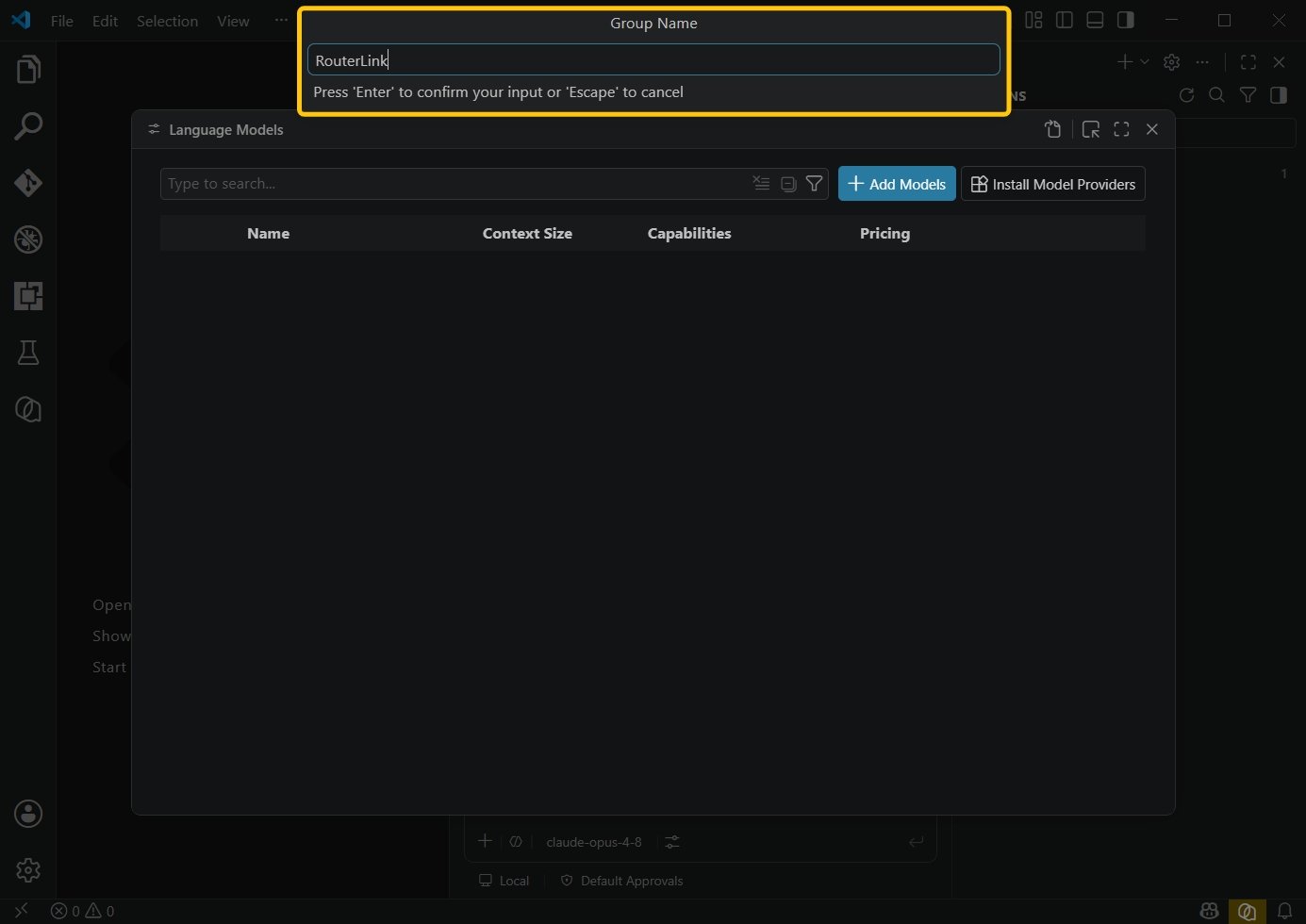

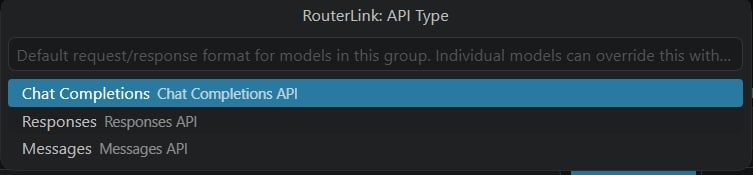
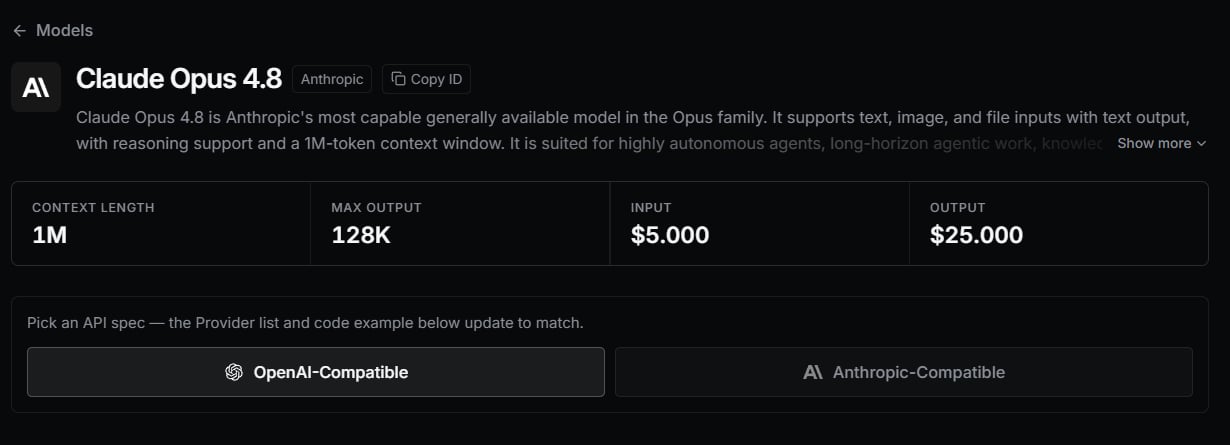
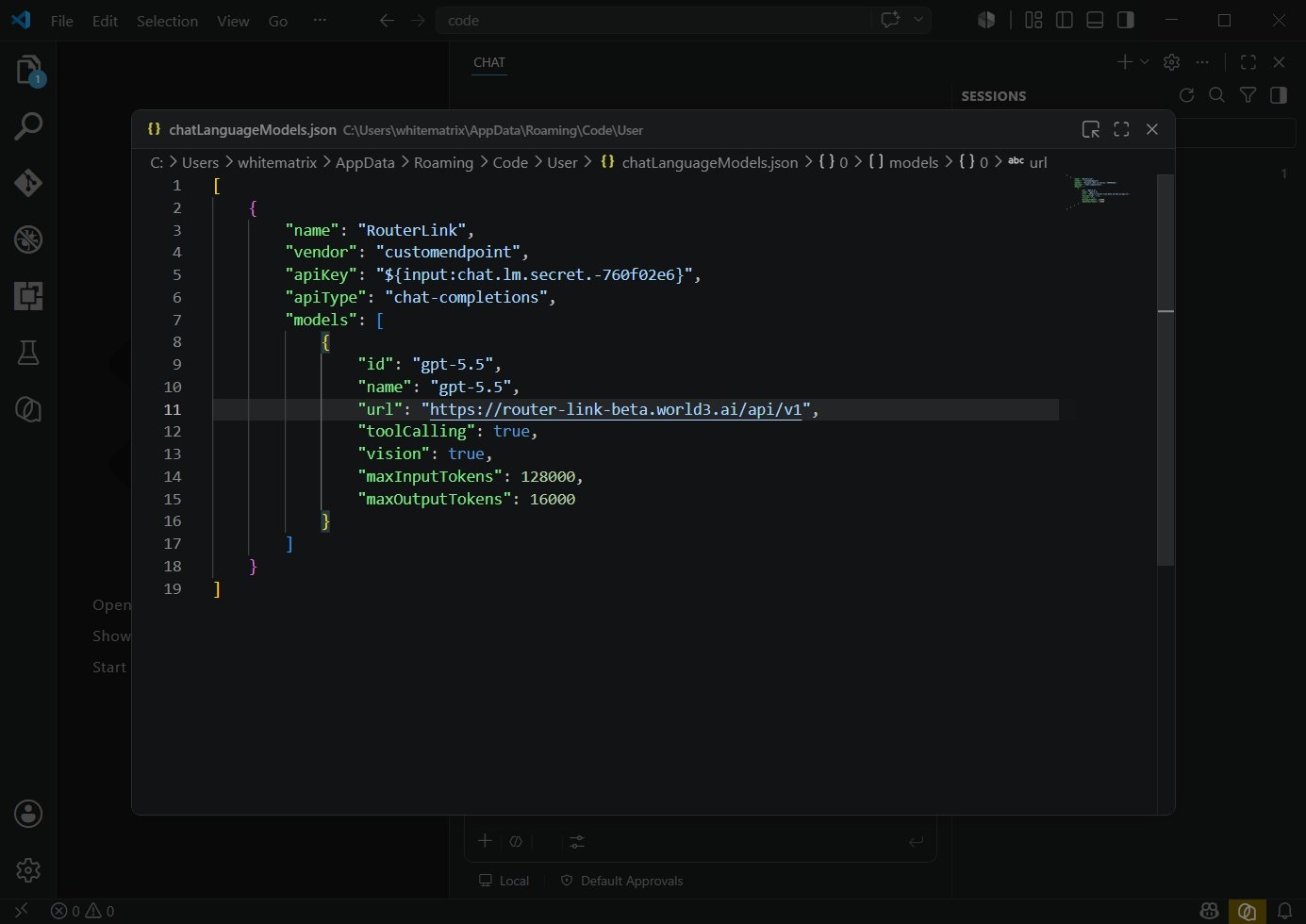
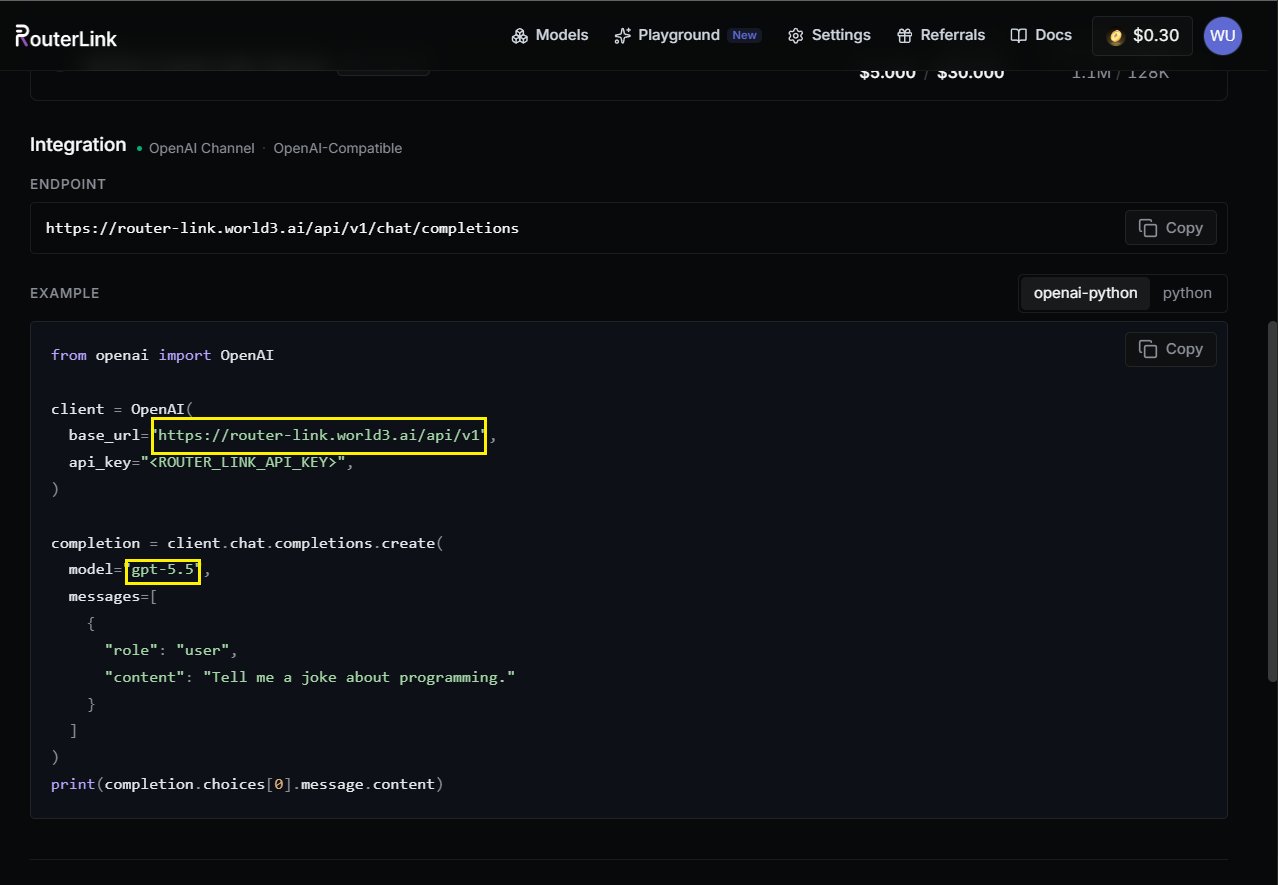
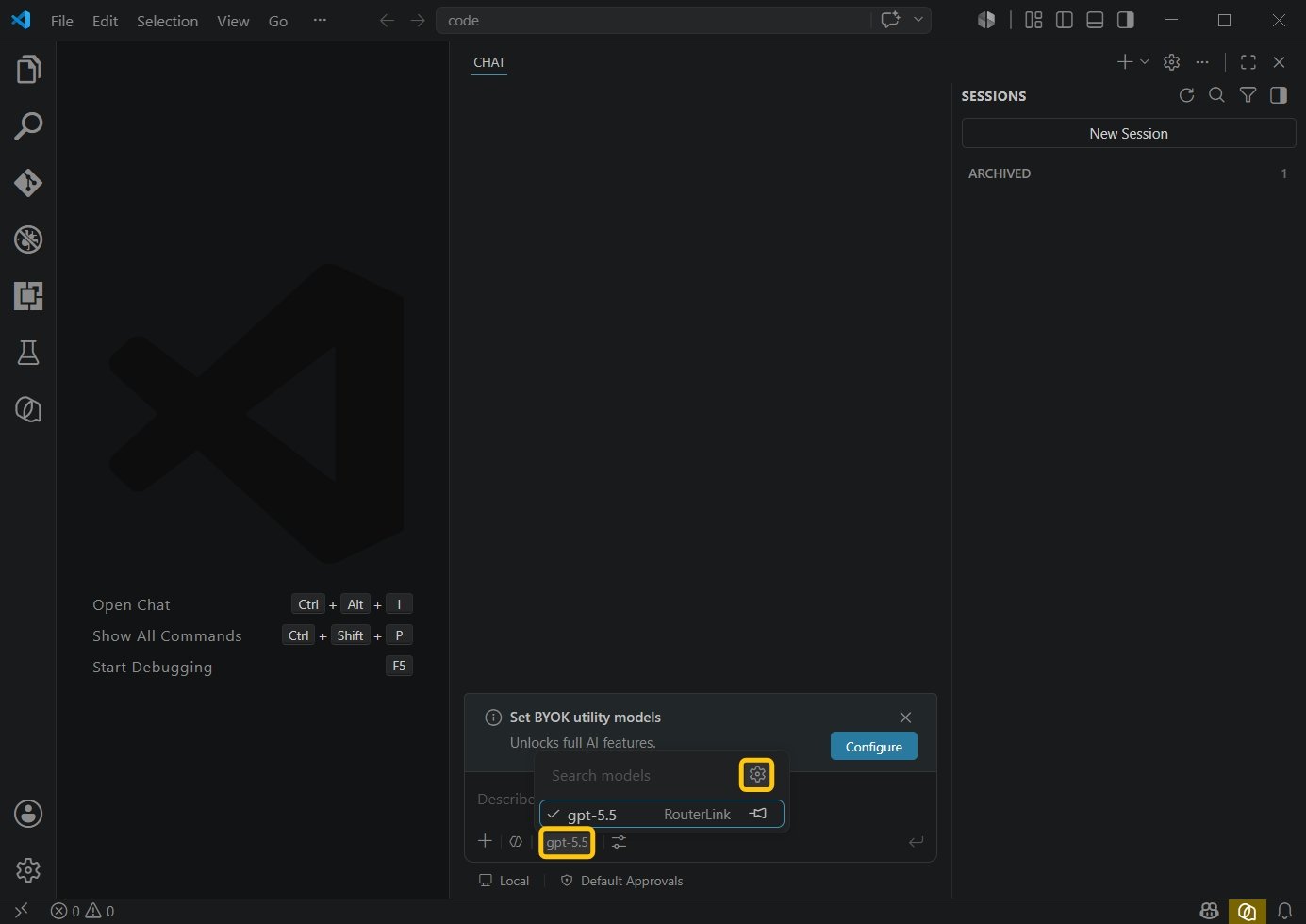
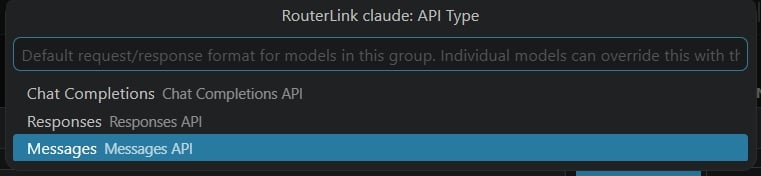
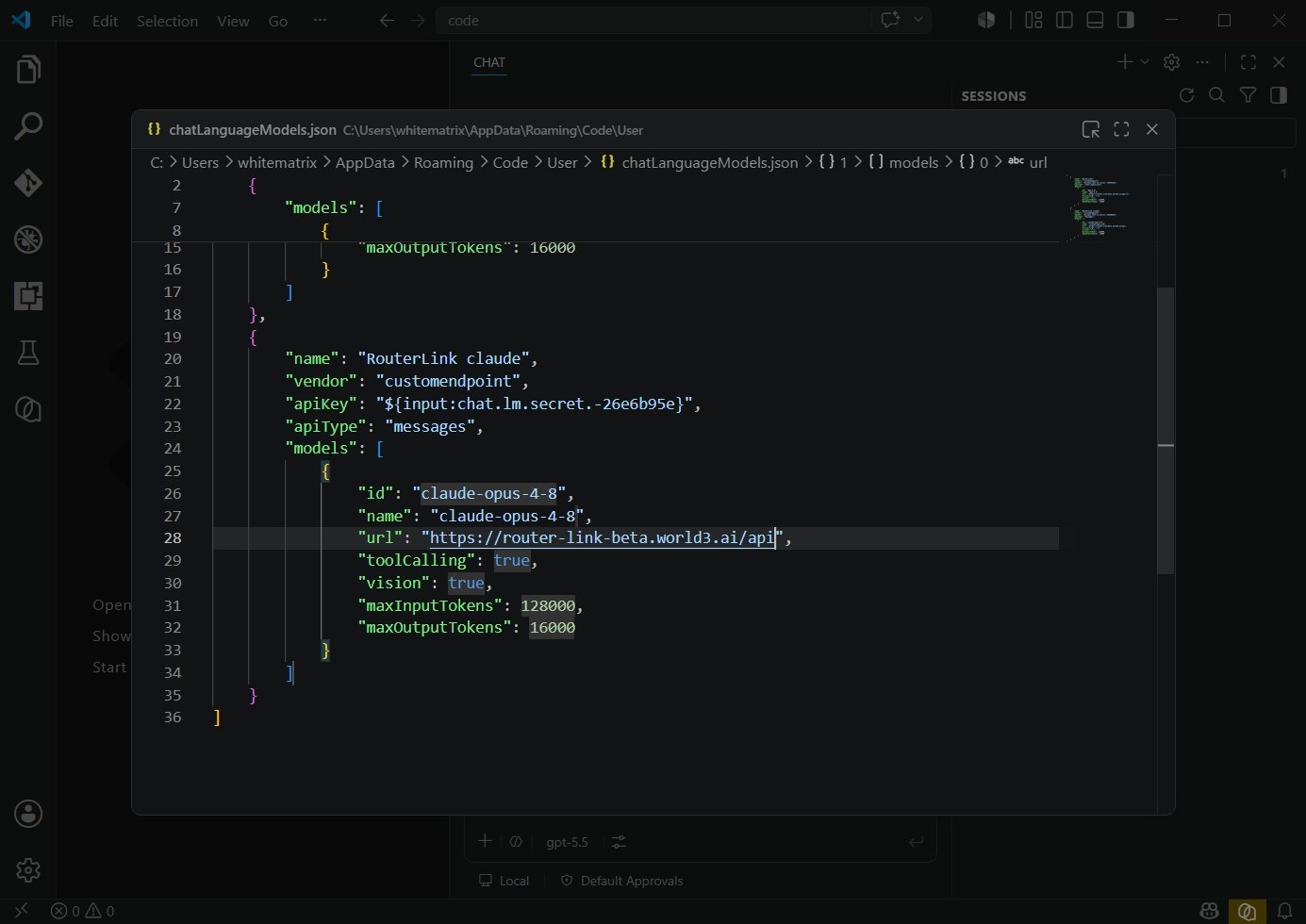
Ctrl+Alt+I). Click the model at the bottom, then click the Settings icon.3
Use VS Code
Select the model you just configured from the bottom menu.
You’re now ready to start using it.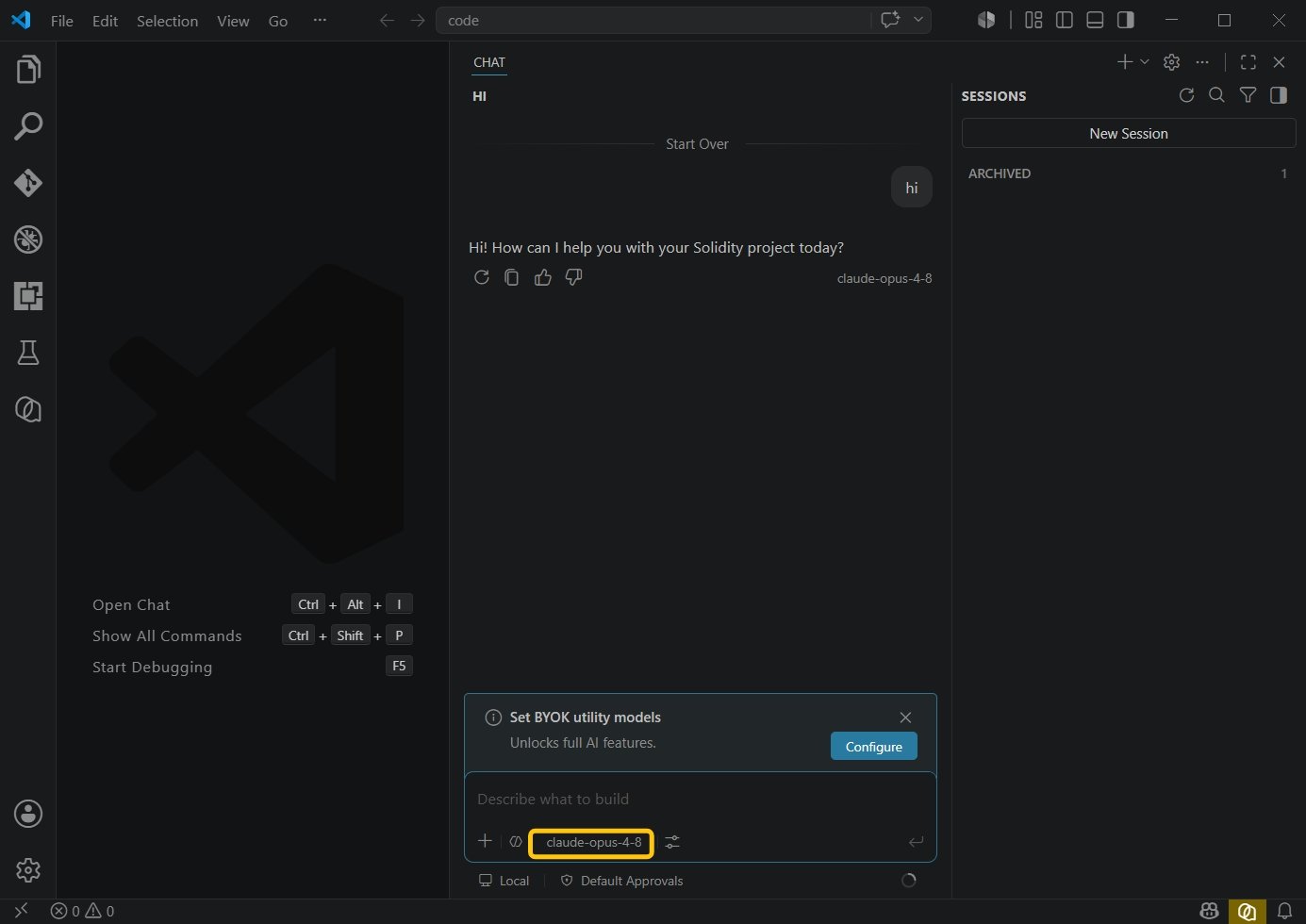
You’re now ready to start using it.