

本文档仅供参考,演示如何配置我们的 API 与第三方 AI 聊天界面配合使用。文中提及的任何第三方软件、网站或服务均非由我们运营、控制或背书。
Cline 插件简介
步骤
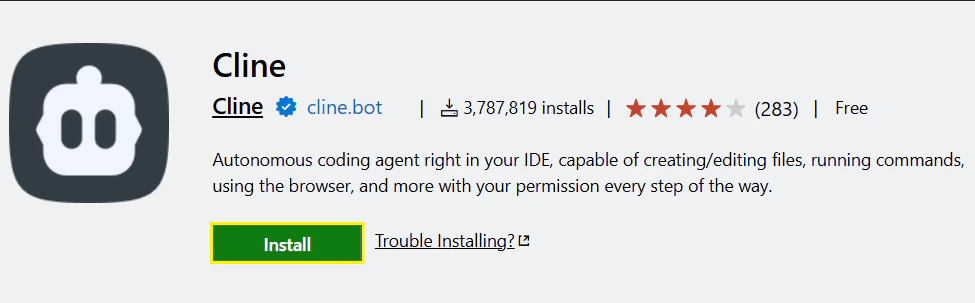
2
模型配置与 API Key
点击侧边栏的 “Cline” 图标启动插件,然后点击 x. 如果出现”How will you use Cline”, 请选择“Absoluately Free”。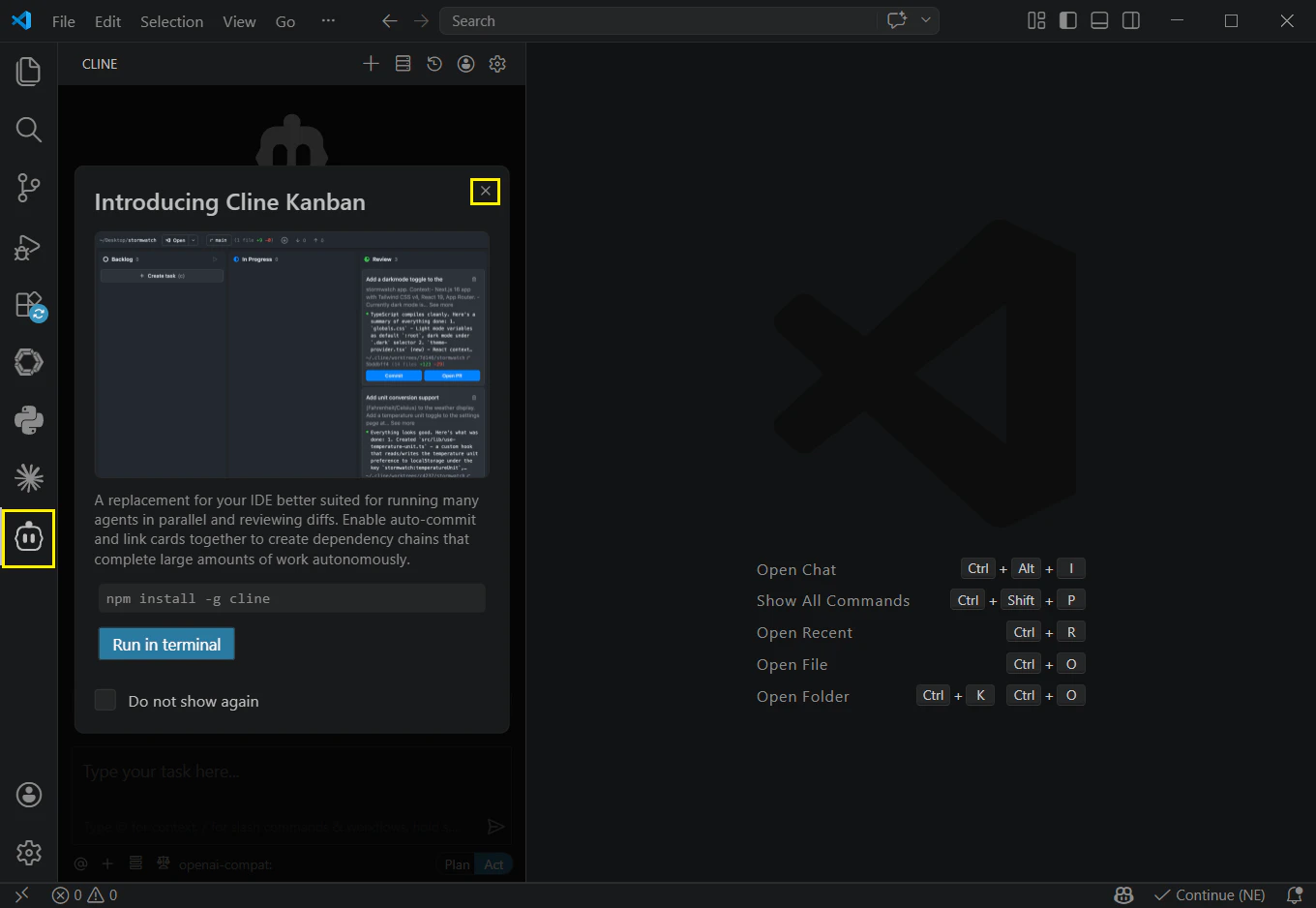
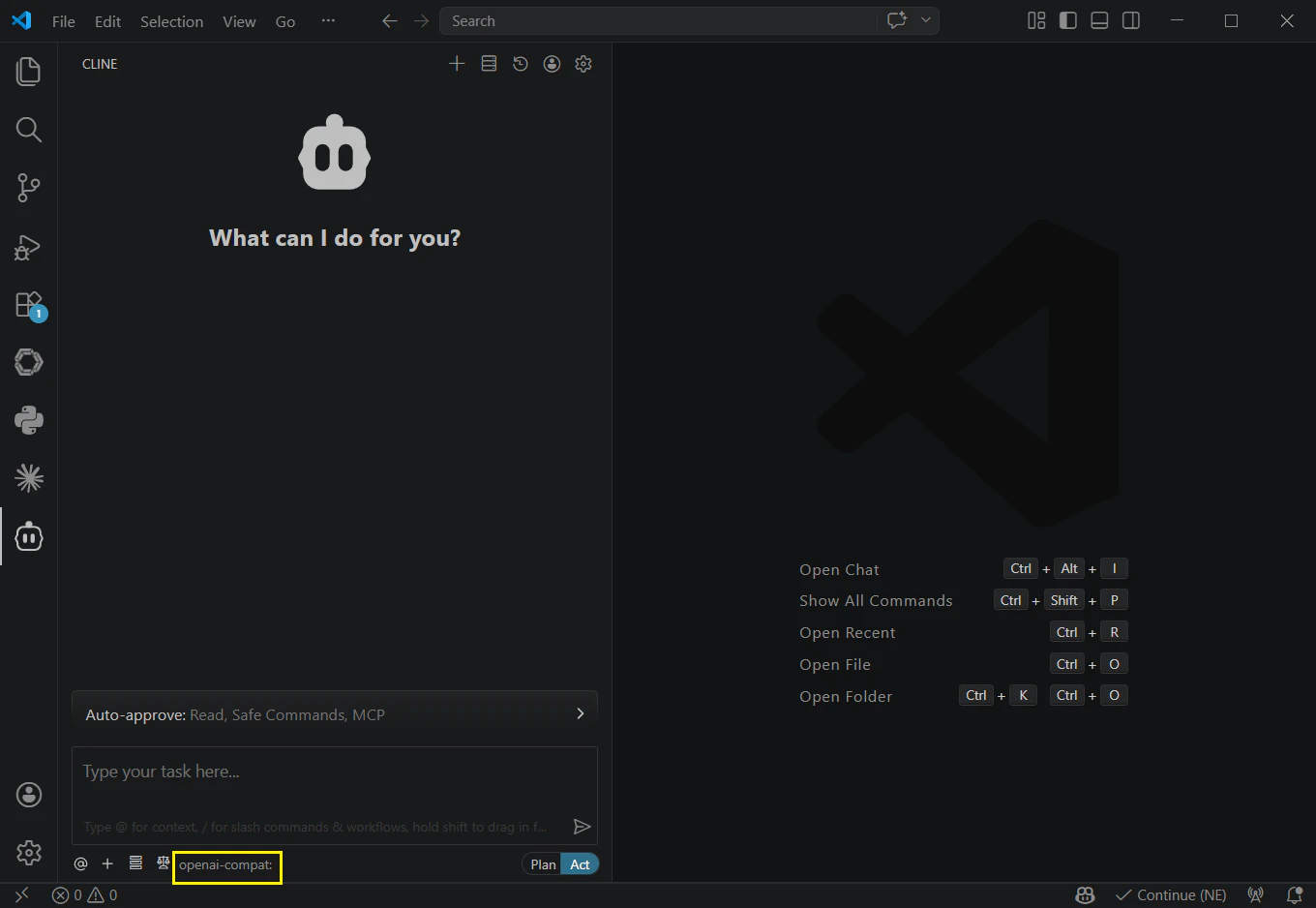
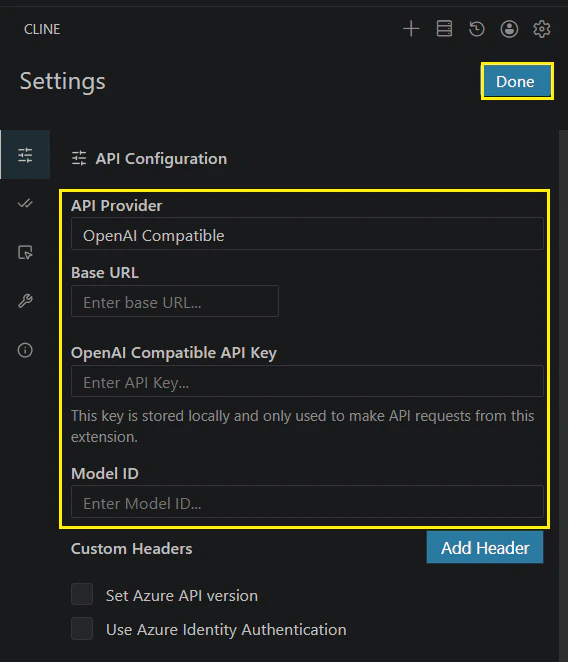
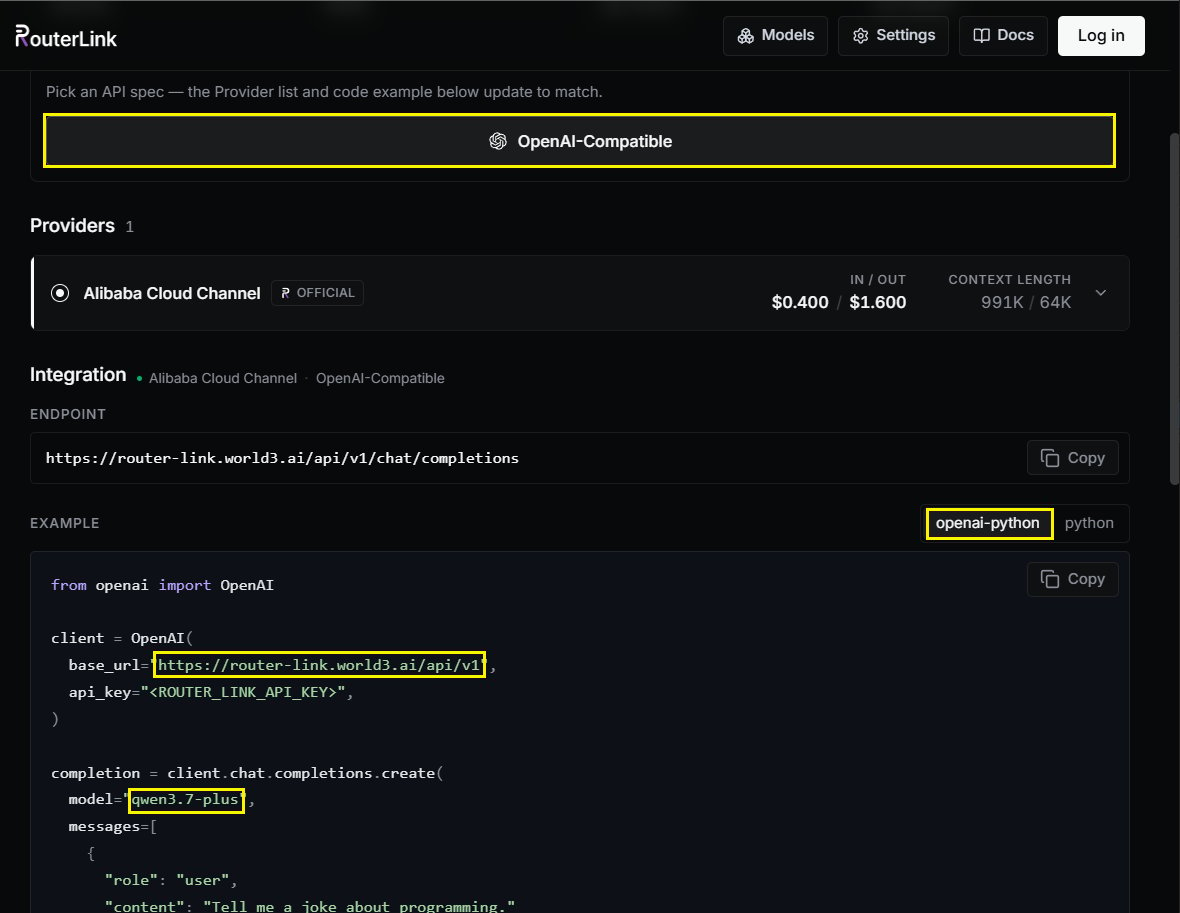
您可以通过改变 Model ID 手动切换模型(需要使用 OpenAI 兼容的 API 格式):
3
使用 Cline
在输入框上方,您可以使用 Auto-approve 配置 Cline 的读写权限和命令执行权限。启用这些权限可增强自动化能力,但也可能增加 token 用量,建议在充分了解 Cline 行为后再启用。Cline 提供两种工作模式,可在对话框底部切换: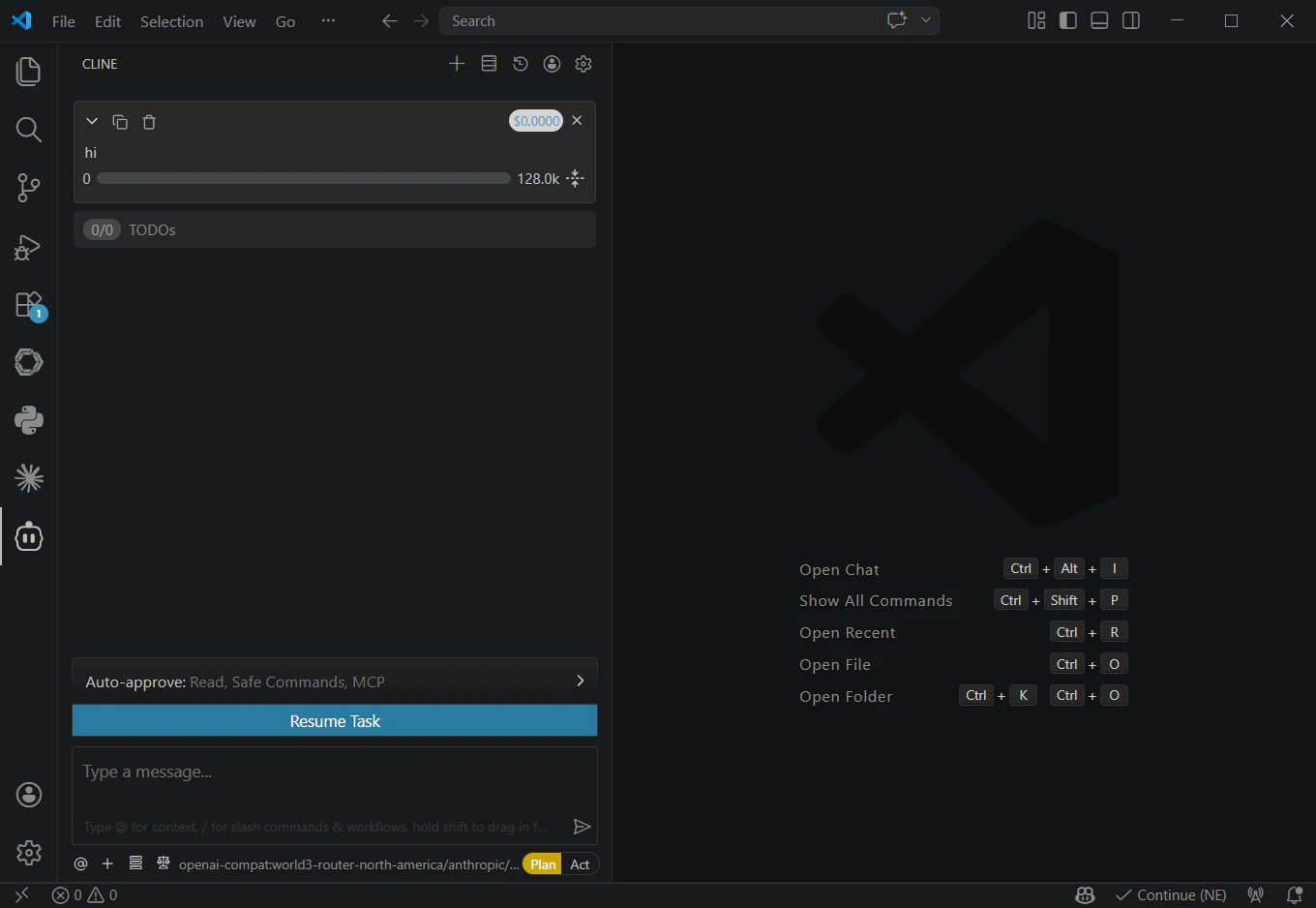
- Plan 模式:专注于信息收集、问题拆解和任务规划,不直接修改文件。
- Act 模式:根据规划执行变更、运行命令并完成任务。