
Documentation Index
Fetch the complete documentation index at: https://docs.routerlink.ai/llms.txt
Use this file to discover all available pages before exploring further.
This documentation is provided for informational purposes only and demonstrates how to configure and use our API with third-party AI chat interfaces. Any third-party software, websites, or services mentioned are not operated, controlled, or endorsed by us.
Introduction to Continue Plugin

Step
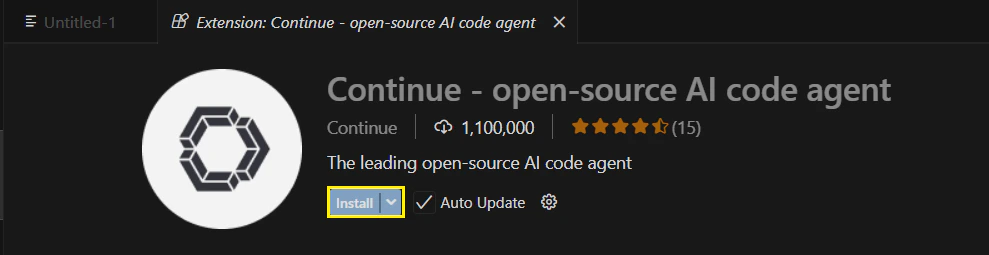
Install Continue
- VS Code
- Cursor
Install the Continue extension from the VS Code Marketplace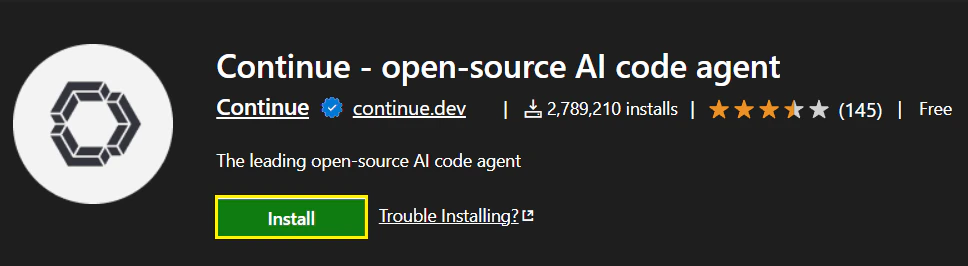
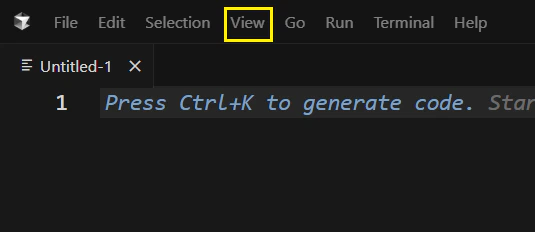
Model Configuration & API Key
- VS Code
- Cursor
Click the “Continue” icon on the sidebar to launch.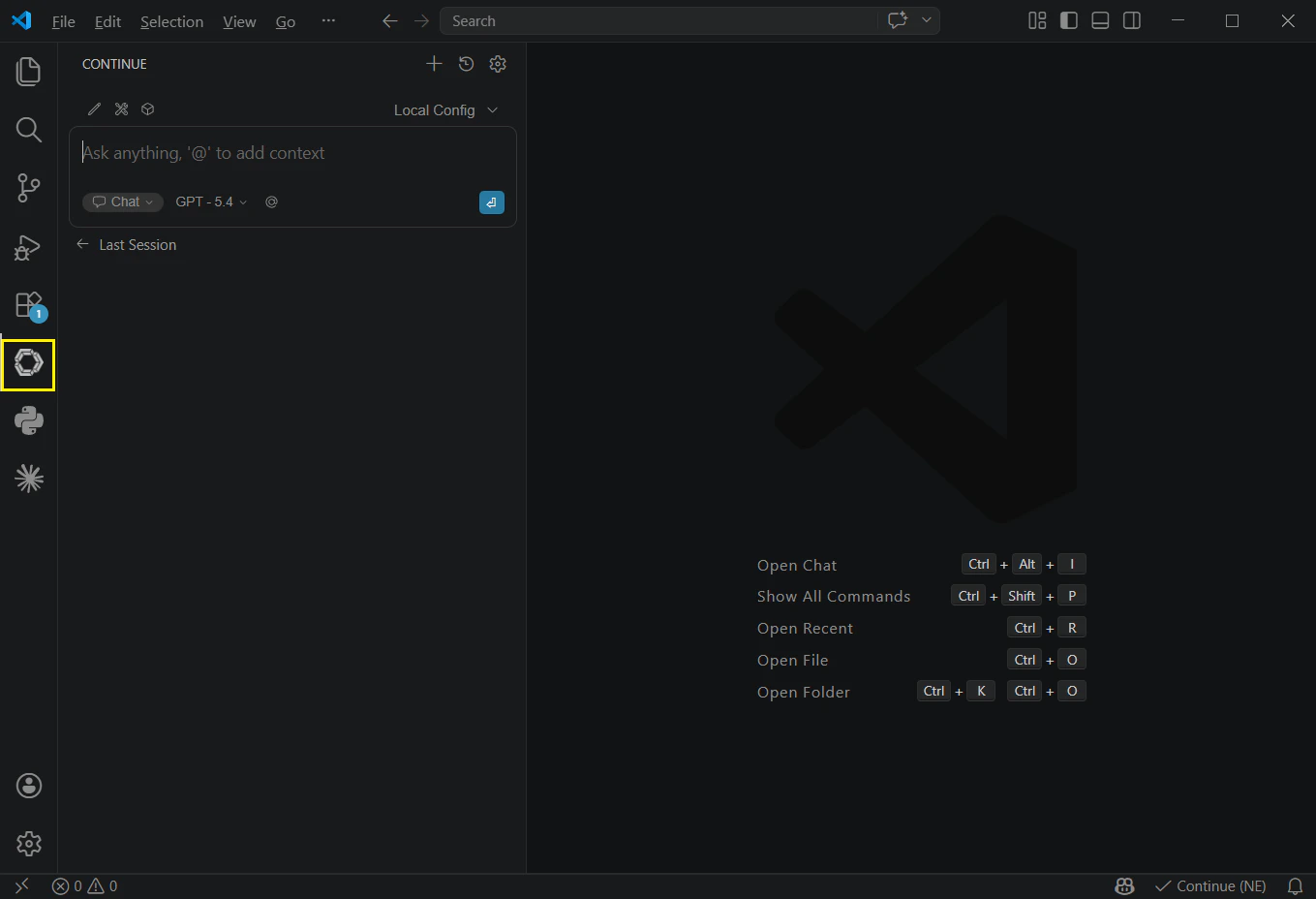
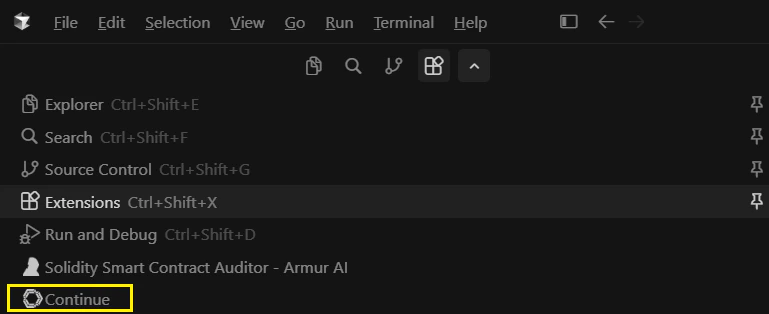
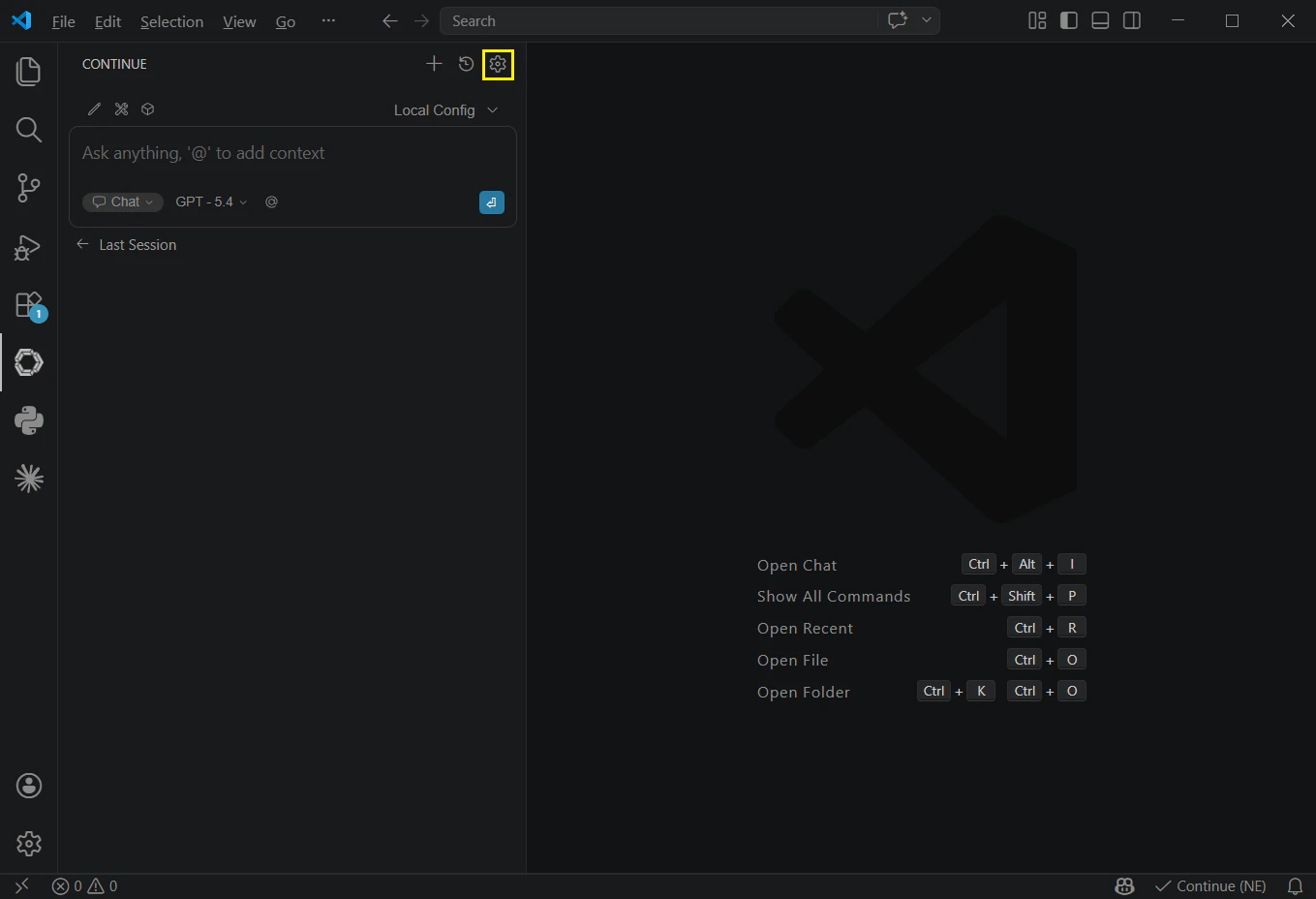
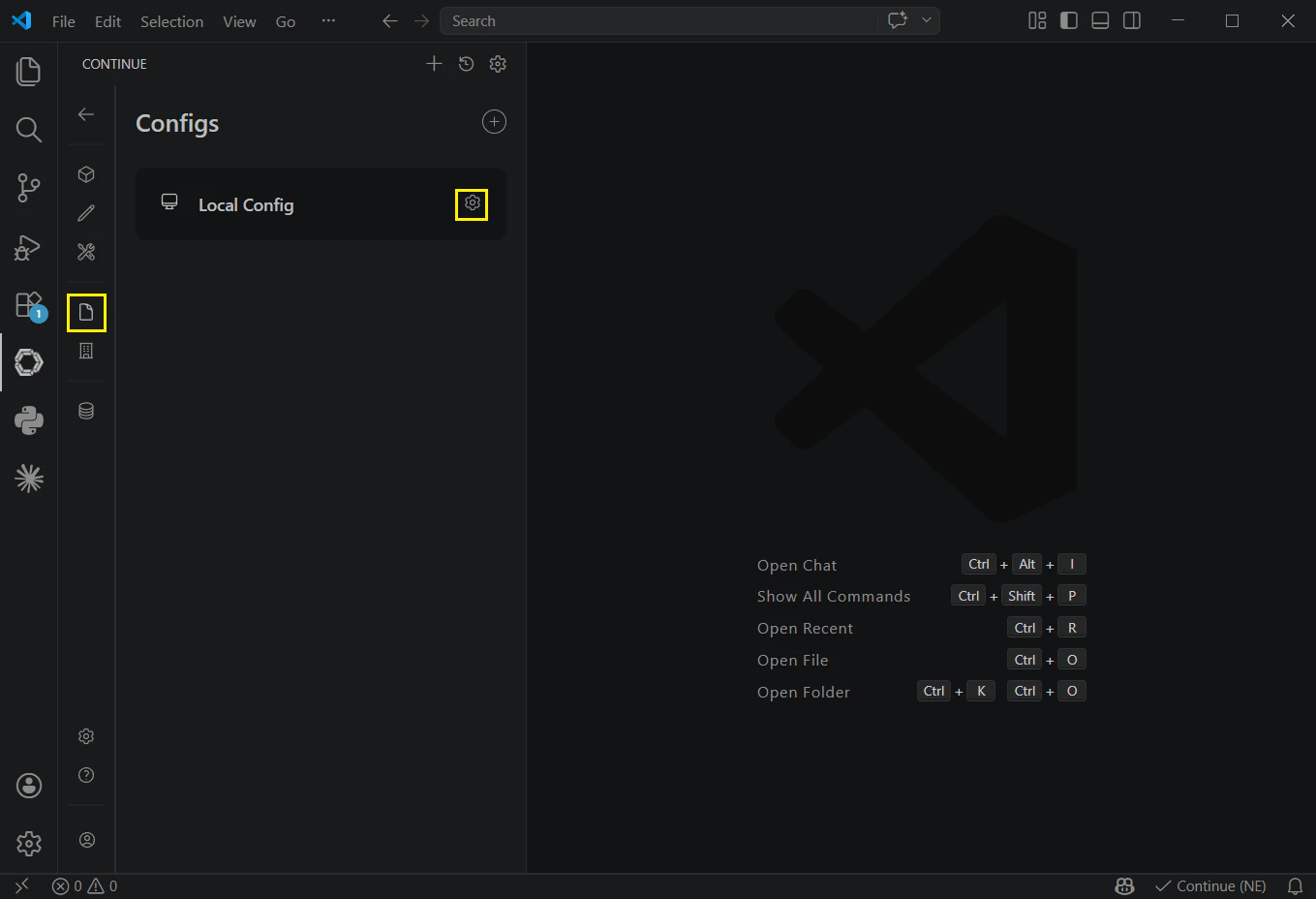
<ROUTERLINK_API_KEY> obtained from RouterLink Key. (Press Ctrl + F or** Command + F **to find <ROUTERLINK_API_KEY>, then replace all)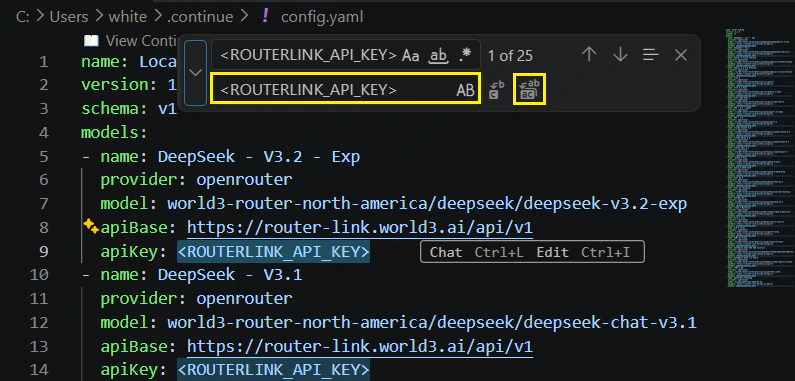
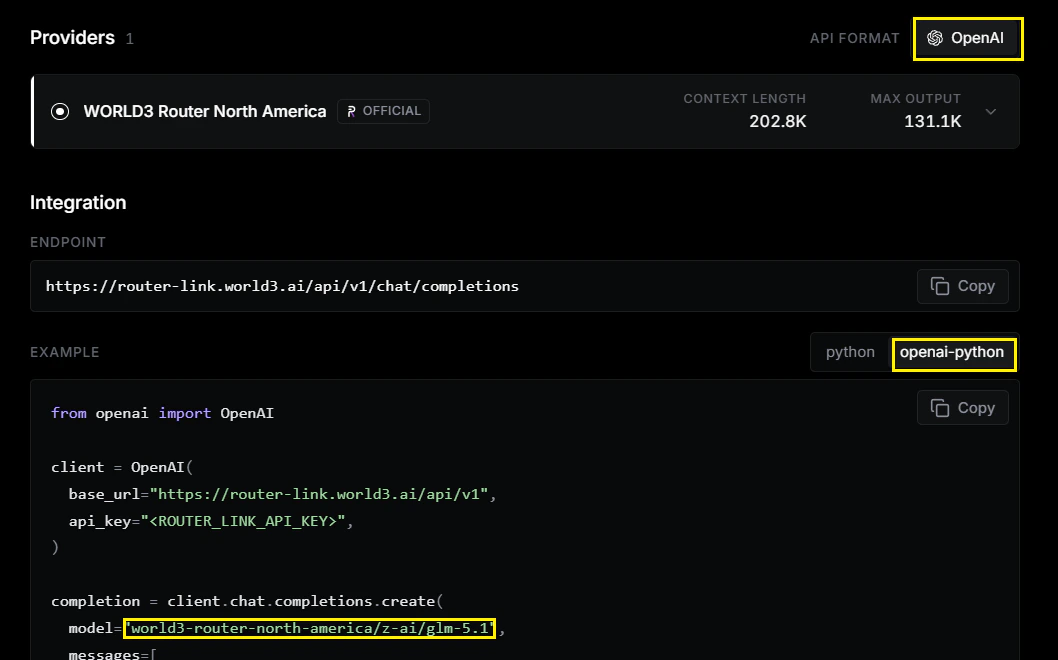
If you don’t find the model you want in the configuration file, please add it manually. For the model field, use the value shown on the model page, Select OpenAI as the API format.